Featured/
AI vs. Local Table Recognition: Choosing with Real Examples
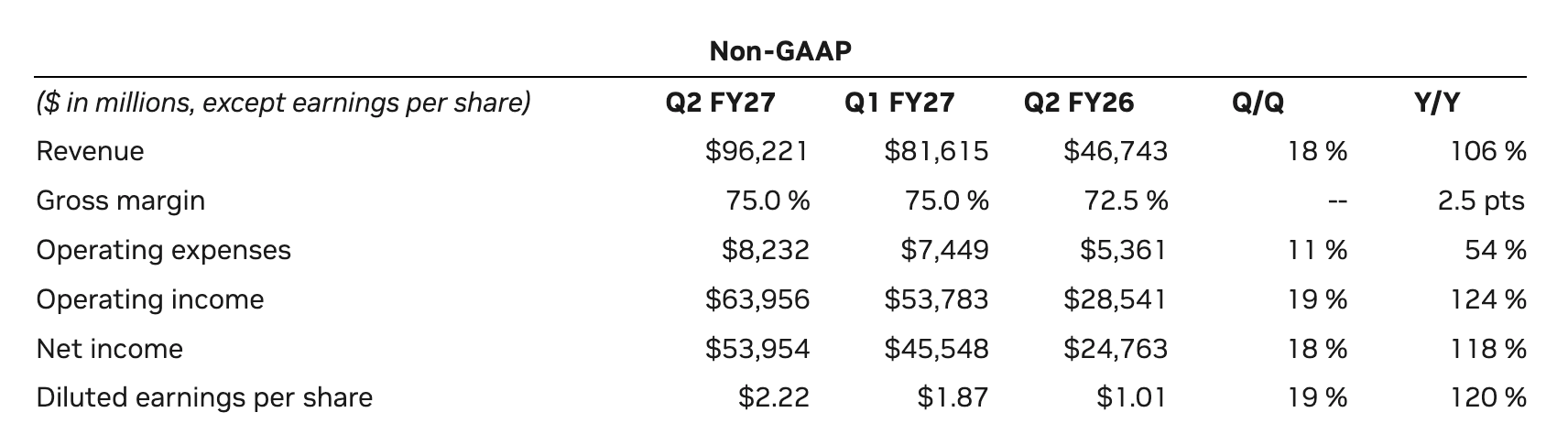
See real table images and OCR results to learn when local recognition is enough and when to choose AI Image to Table for complex layouts.
5 min readRead guide
Knowledge base
Learn how to recover tables and text from screenshots, PDFs, web pages, scans, and photos—and how to review the result before using it.
See real table images and OCR results to learn when local recognition is enough and when to choose AI Image to Table for complex layouts.
Browse all
Learn how to turn document screenshots into structured, editable Markdown text with proper headings, lists, and code blocks.
Read articleLearn how to extract tables from sensitive images directly inside your browser without uploading files to external cloud servers.
Read articleLearn two practical ways to extract text from a two-column document image while preserving the correct reading order.
Read articleHow imgtotable uses HunyuanOCR to generate HTML from a table image, then rebuilds editable cells and merged headers for spreadsheet export.
Read articleSee how browser-based OCR uses text detection, recognition models, Web Workers, WebGPU, and WebAssembly to extract text on your device.
Read articleLearn how browser-local table recognition uses text detection, structure prediction, and spatial matching to turn table screenshots into Excel grids.
Read articleA complete beginner's guide to installing the imgtotable Chrome extension, capturing your first web screenshot, and converting it in seconds.
Read articleLearn how image-to-Markdown handles columns, tables, formulas, and pictures, what it omits automatically, and which visual details need review.
Read articleSee how Markdown works with a meeting note, copyable syntax examples, and previews. Learn headings, lists, links, images, code blocks, and tables.
Read articleLearn how to turn static flowchart images and architecture diagrams into editable Mermaid JS code and SVG graphics using AI vision recognition.
Read articleLearn how to convert scanned page images into editable Word documents, and compare DOCX with Markdown for headings, tables, editing, and sharing.
Read articleConvert JPG, PNG, WebP, GIF, BMP, AVIF, TIFF, HEIC, or HEIF images to JPG, PNG, or WebP in your browser without uploading your files.
Read articleCombine images into one PDF for free, without uploading them. Follow three simple steps and see an example merging two diagrams into an A4 document.
Read articleUse the imgtotable Chrome extension to extract tables, tutorial steps, equations, scanned text, and event details while browsing web pages and PDFs in Chrome.
Read articleUnderstand PP-OCRv6, the difference between text detection and recognition, and how lightweight AI models power browser-local OCR.
Read articlePhotograph or scan a paper page, run browser-local OCR, check wording and paragraphs, and save a corrected text copy.
Read articleConvert a formula photo or screenshot to LaTeX, check symbols and grouping, and test the corrected expression in your destination editor.
Read articleLearn how to extract editable plain text from screenshots and document photos locally in your web browser with data privacy.
Read articleChoose AI or local table recognition, check rows and values, and export a table screenshot to Excel, CSV, or Markdown.
Read articleOpen a workspace
Compare all server-assisted and on-device workflows in one place.